 10 steps
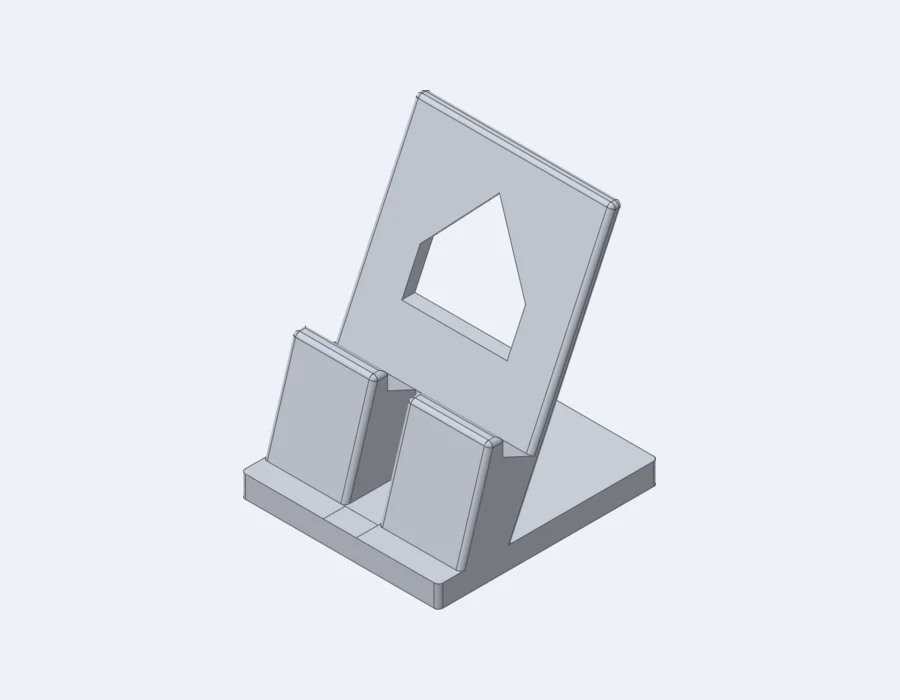
Phone stand
90 × 100 × 120 mm
65° back rest, cable slot, filleted edges. Prints without supports.
We go live end of October
Modern, capable CAD for makers, product builders and anyone who needs to design real things, without becoming a CAD expert.
Sketch.Extrude.Cut.Fillet.Pattern.Print.
The tools behave the way you expect them to.
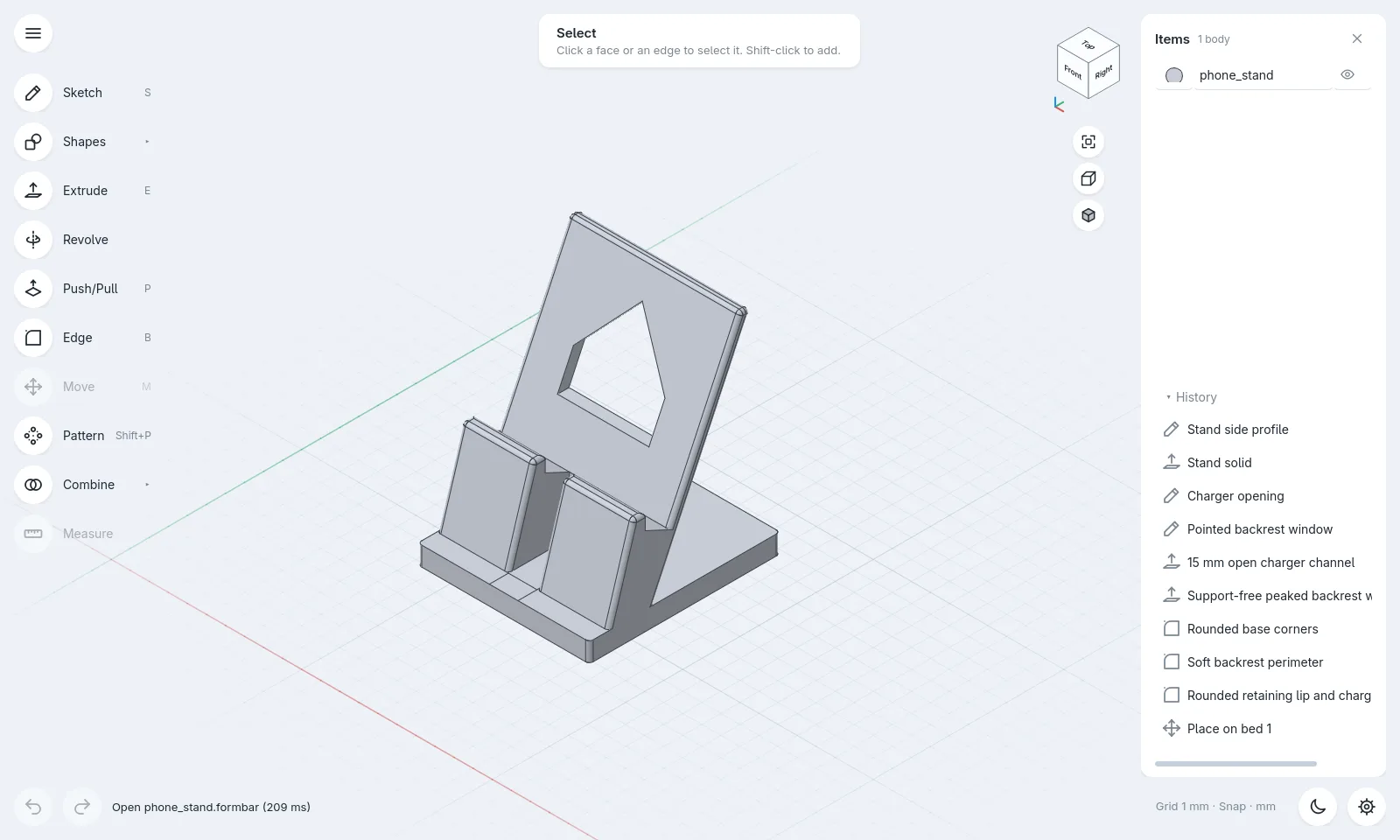
Real screenshots. Every one of these parts opens in formbar with its full, editable history.
formbar is built for precise, dimensional design. Create enclosures, brackets, adapters, fixtures, replacement parts, prototypes and products that need to exist in the real world.
It is easy because the software is well designed, not because the CAD has been removed.
10 steps90 × 100 × 120 mm
65° back rest, cable slot, filleted edges. Prints without supports.
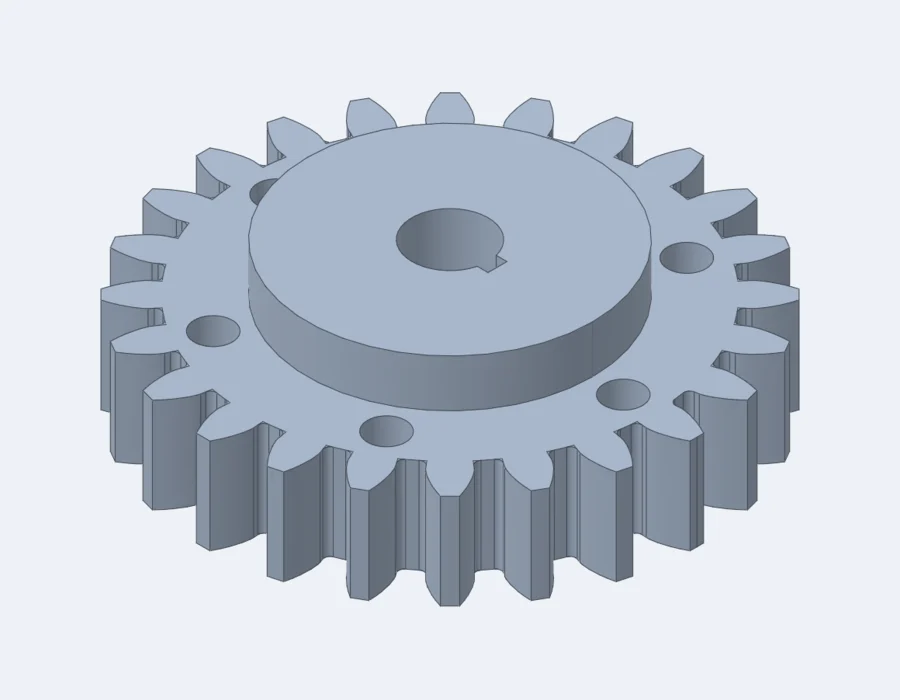 Formula driven
52 × 52 × 15 mm
True involute flanks from formulas. Change the tooth count, the gear rebuilds.
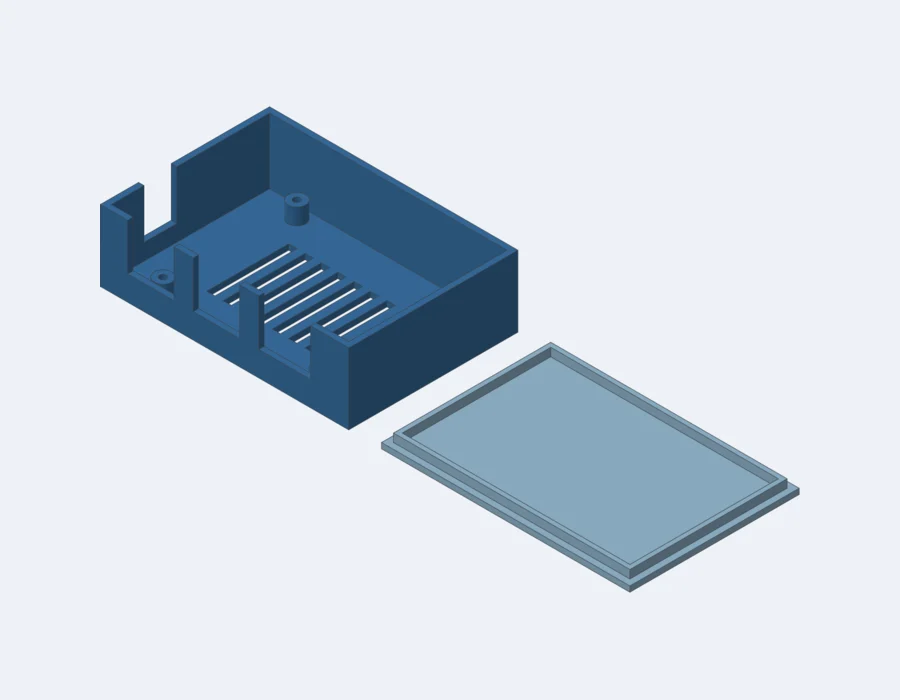 2 bodies
91 × 62 × 26 mm
Screw bosses, port cut-outs, floor vents and a lid with a 0.2 mm lip.
 Patterned
82 × 42 × 29 mm
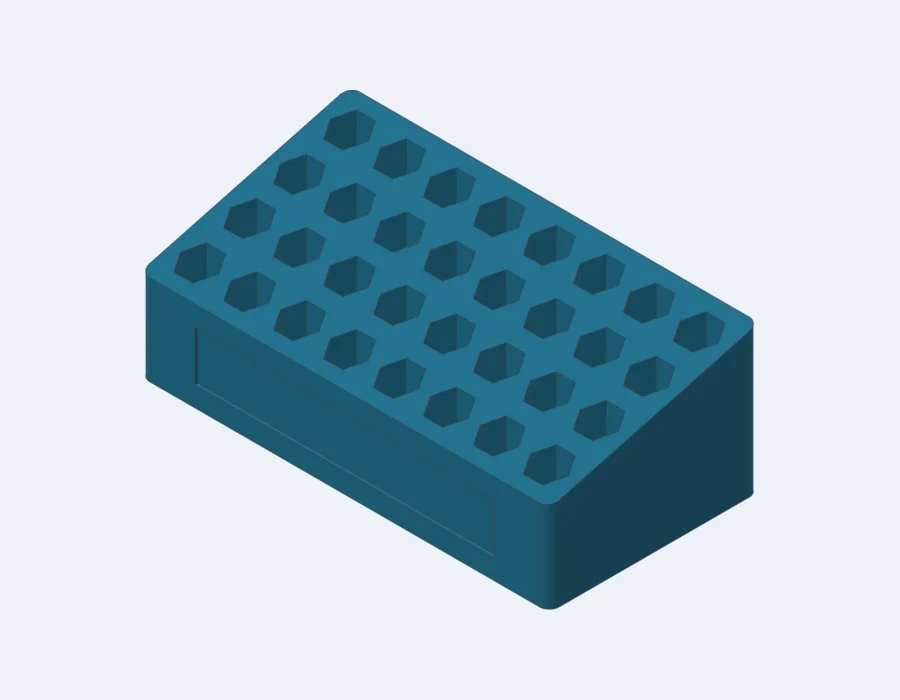
32 hex pockets from linear patterns, stepped 15° top, label recess.
 30 grooves
30 × 30 × 18 mm
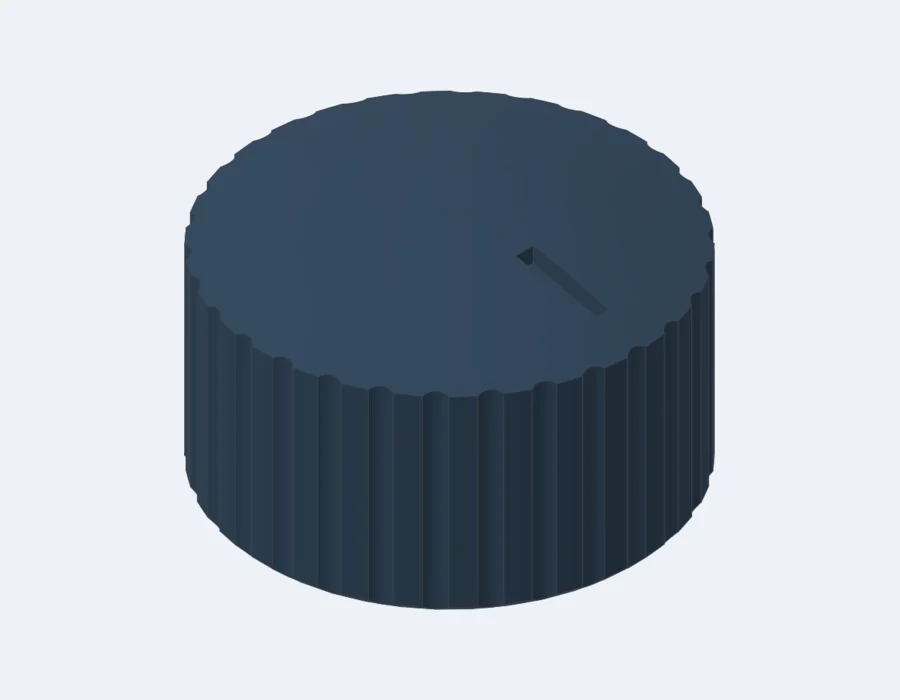
D-shaft bore, 30 knurl grooves, pointer notch, bottom chamfer.
 Revolved
110 × 110 × 160 mm
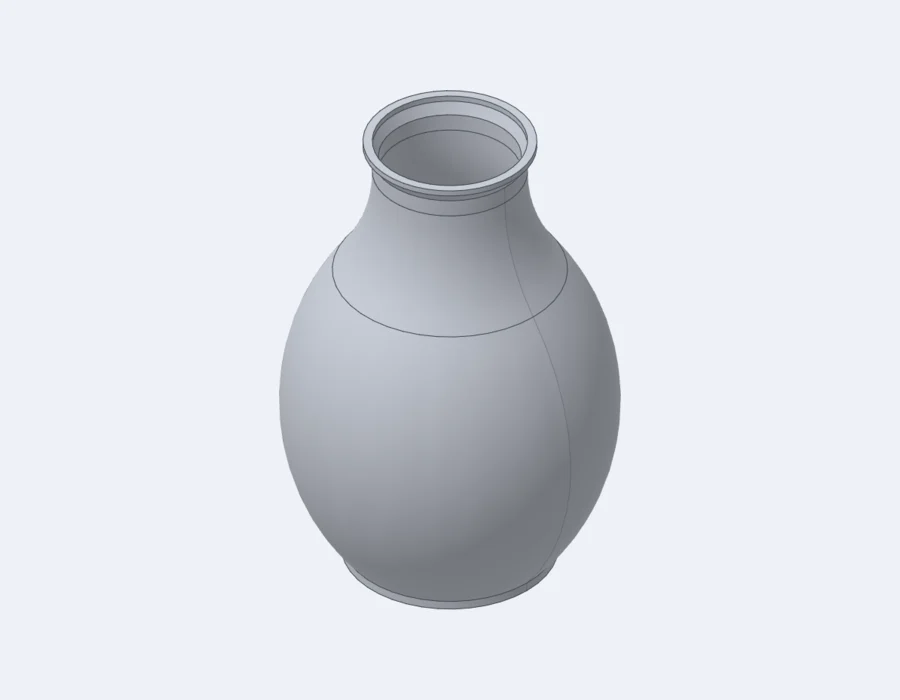
A revolved spline profile with a 2 mm wall and a flared lip.
No dialog boxes on the common path. Simple by default, exact whenever you type a number.
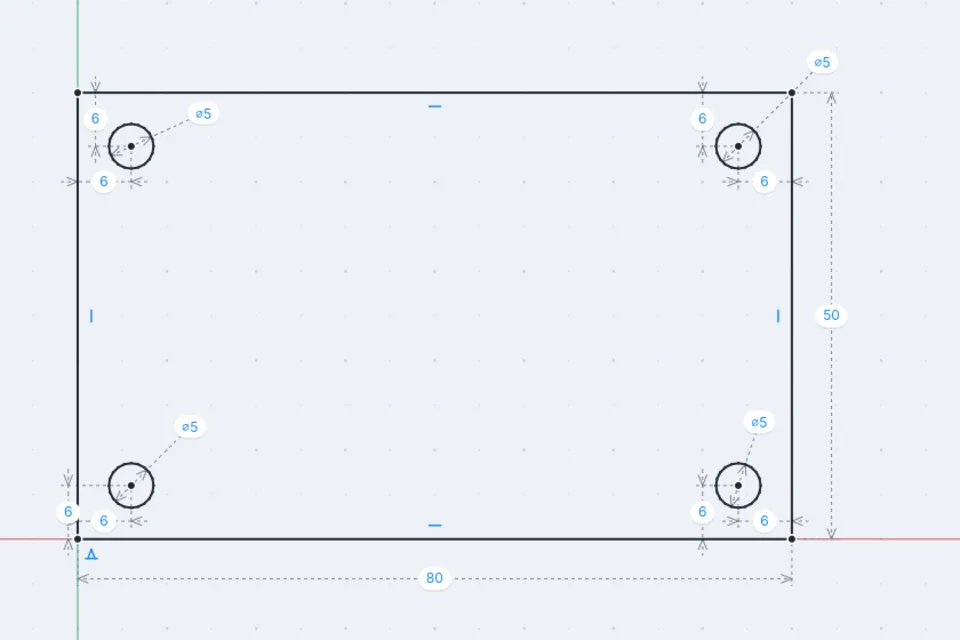
Draw roughly, then type the sizes. Constraints keep everything where it belongs, and the sketch tells you when it is fully locked.
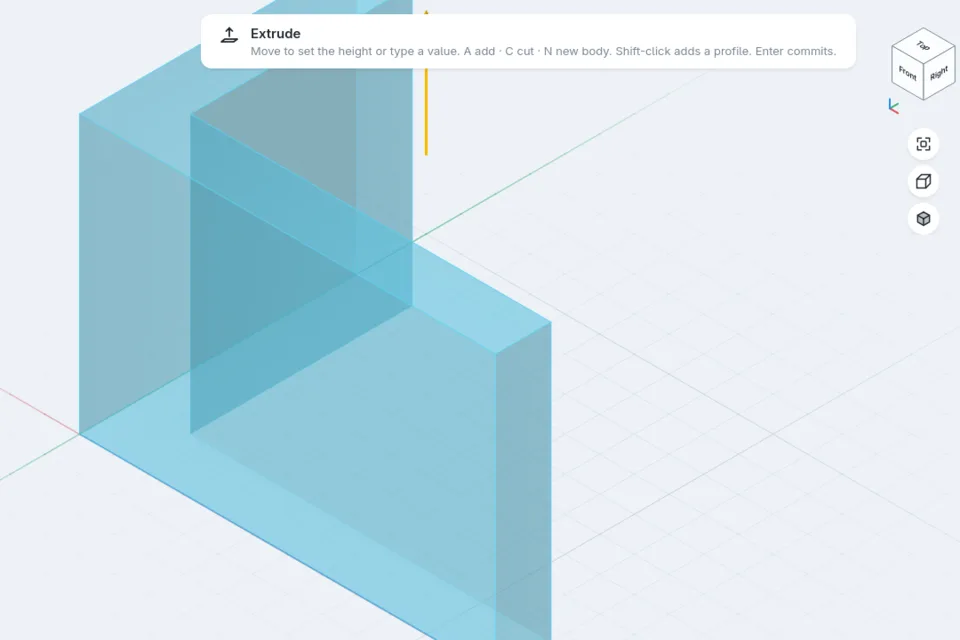
Press E and pull. Type 40 and it is 40. Add, cut or start a new body without leaving the drag.
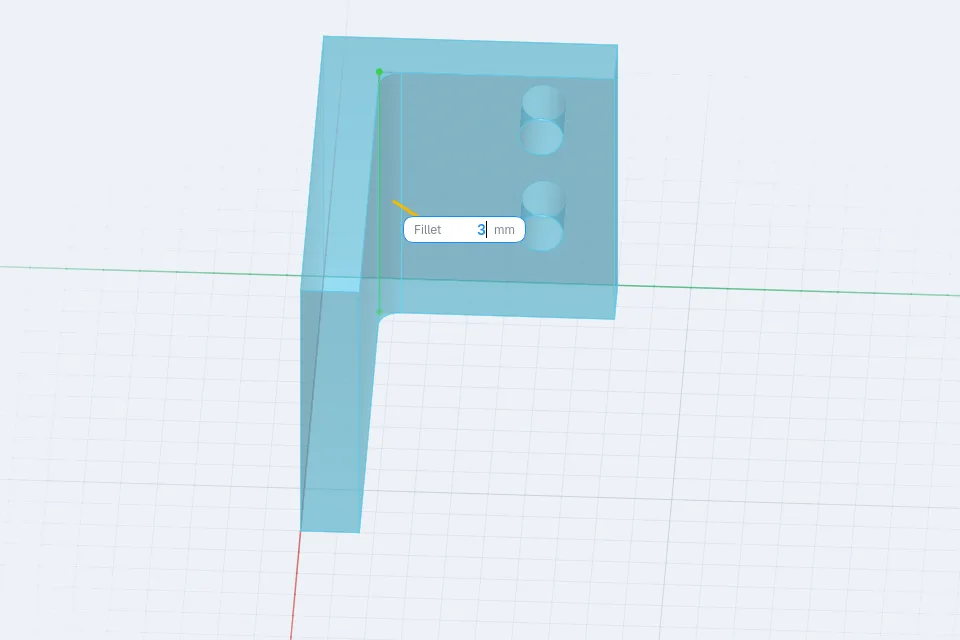
Pull an edge outward for a fillet, inward for a chamfer. No dialog, no hunting for the right tool.
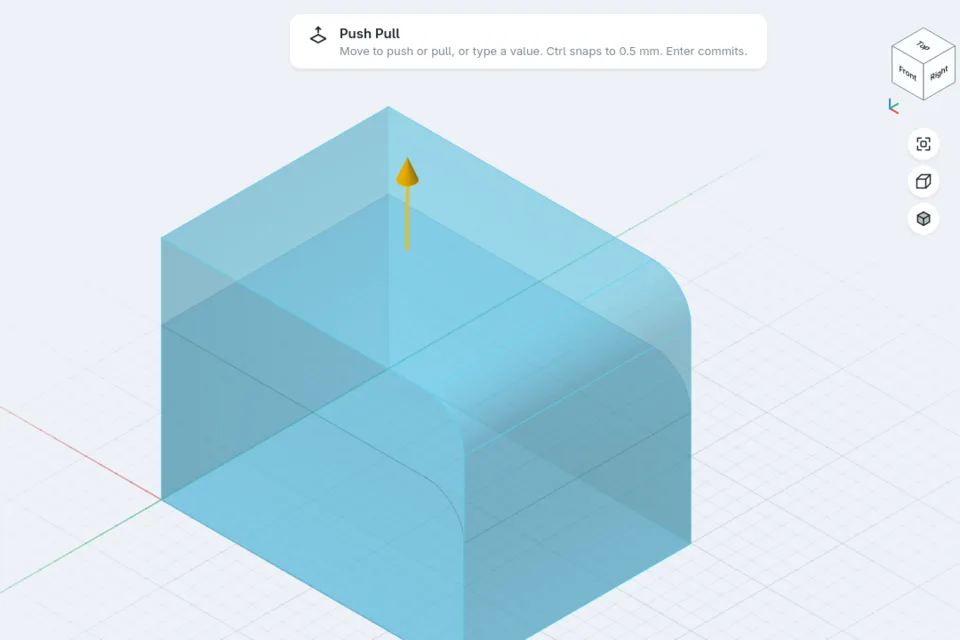
Grab a face and move it. Fillets ride along with it. Live preview the whole way.
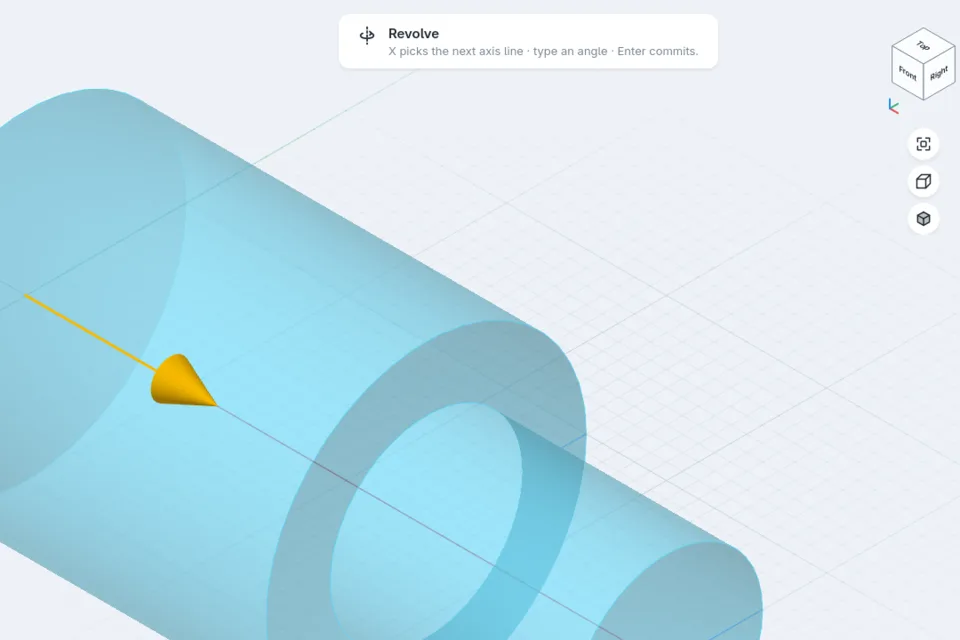
Draw half a profile and revolve it. formbar finds the centre line for you.
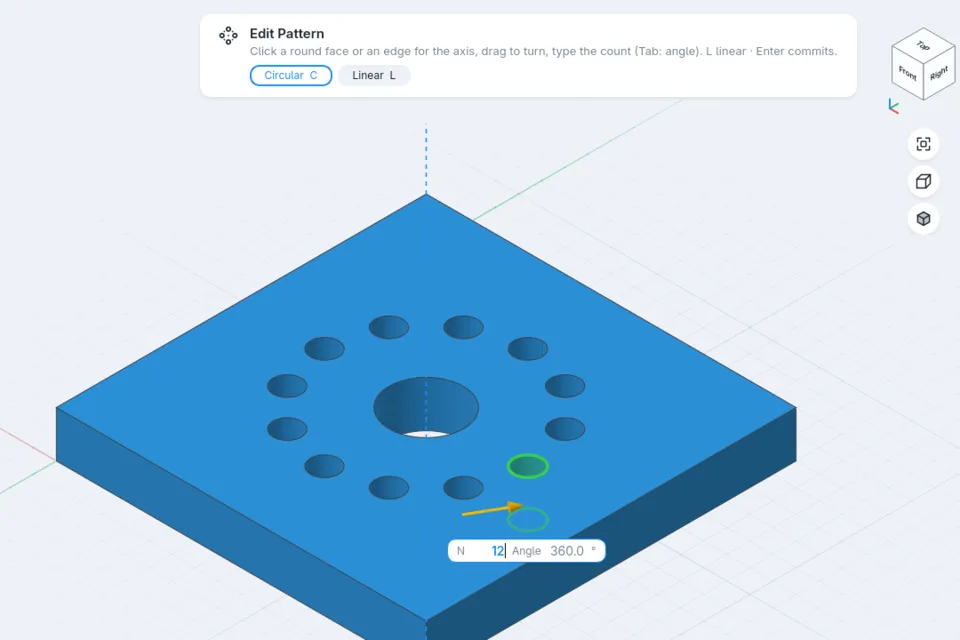
Bolt circles, gear teeth, rows of pockets. Drag the count, or type it. Change it later from history.
Makers, product builders, hardware startups, designers, developers and small workshops. People who need CAD, but don't spend their whole day inside it.
Modern CAD systems can simulate factories, manage engineering organisations and design aircraft.
That's impressive.
But sometimes you just need to make a part.
formbar focuses on the part.
Bigger CAD packages do more, and that's fine. formbar is focused, not limited: the tools people actually use to make physical objects, made exceptionally pleasant to use. See everything it does →
formbar runs natively on macOS, Windows and Linux. Work locally, keep your files, export your designs in standard formats.
A real app for macOS, Windows and Linux. No browser tab, no plug-in.
No account to sign in to, no permanent internet connection required.
Your .formbar files live where you save them. Plain, readable and easy to back up.
Export STEP, STL, 3MF, DXF and SVG whenever you like. Your work is never locked in.
$99 onceFounding price · $149 after launch
No subscription required to keep using the software you already paid for.
Your designs should not stop working because your subscription did.
No tiers, no feature gates. Personal and commercial use on up to 3 of your computers.
Every new version released in your first year is included.
When the update period ends, the version you have keeps working. For good.
Another 12 months of updates is $59, whenever a new release is worth it to you.
New versions, new features, and the day we open the doors. Straight to your inbox.
Download formbar and go from an idea to a real part without fighting your CAD software.
formbar — 3D design, without the friction.